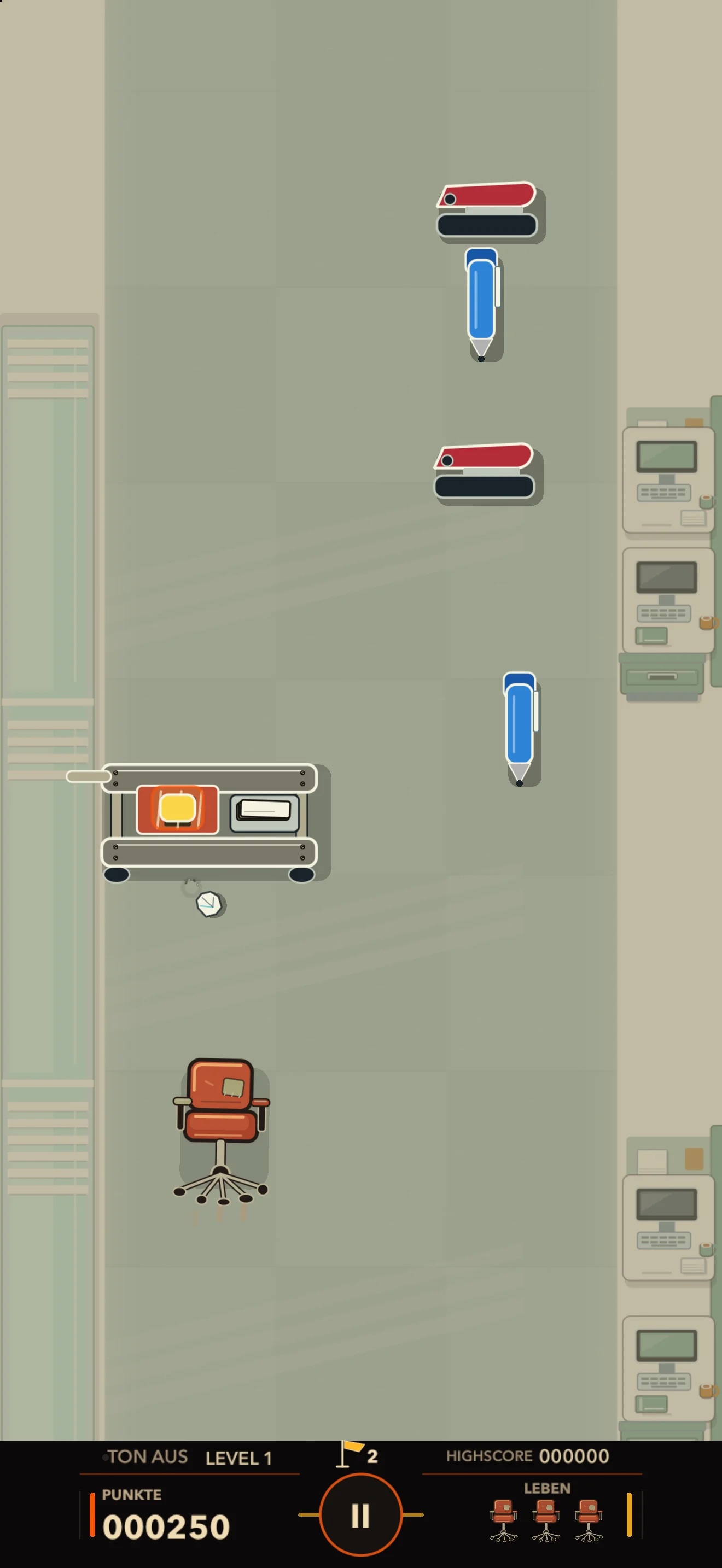
The first working week
Dodge your first enemies in the open-plan office, then fight your way through the archives and conference room to the executive floor.

Pew Pew Clocked Out
iOS & iPadOS · Invitation-only beta
Steer your office chair through 84 levels of office chaos. Paper bullets fire automatically. Dodge attacks as you fight your way from the mailroom to building services.
01 / Through the proper channels
Play through two full working weeks and Monday to Thursday of the third. Across 84 levels, you fight through different departments, face bosses and complete tasks under fire.
Dodge your first enemies in the open-plan office, then fight your way through the archives and conference room to the executive floor.
Use cover, dodge attacks from different directions and fight connected machinery.
You face mail carts, long meetings, network equipment and water hazards. Monday to Thursday are playable.
02 / Approval pending
Pens, coffee cups and emails attack you. While your paper bullets fire automatically, dodge incoming attacks and find a clear line of fire.
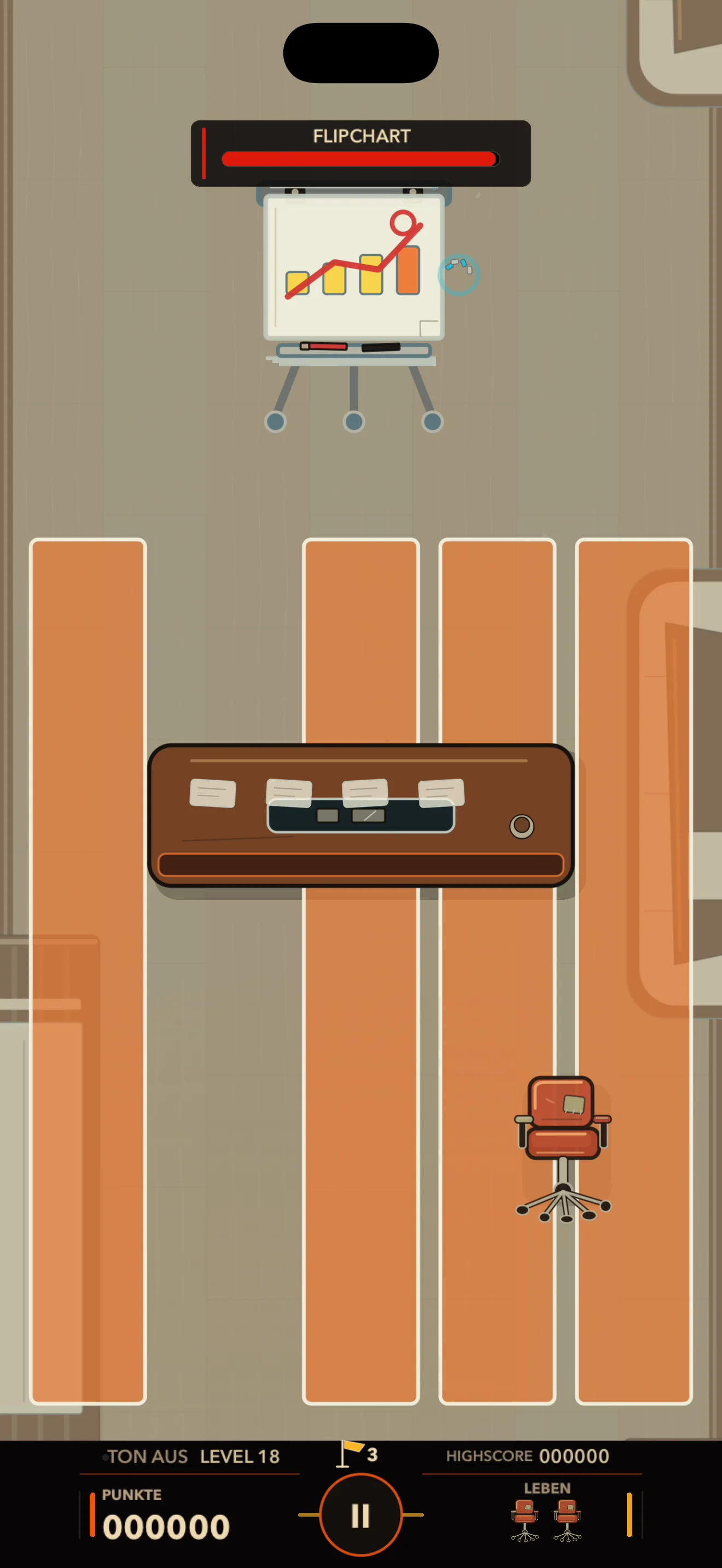
Shoot the Reply-All email first. Otherwise, more emails fill the playfield and leave you less room to dodge.
Printers, projectors and shredders each attack differently. Watch for warnings before they strike, dodge in time and land your shots during the pauses.
Some levels send several waves of attacks at you in a row. Others ask you to reach an escape route or get approval while under fire.
03 / My Office
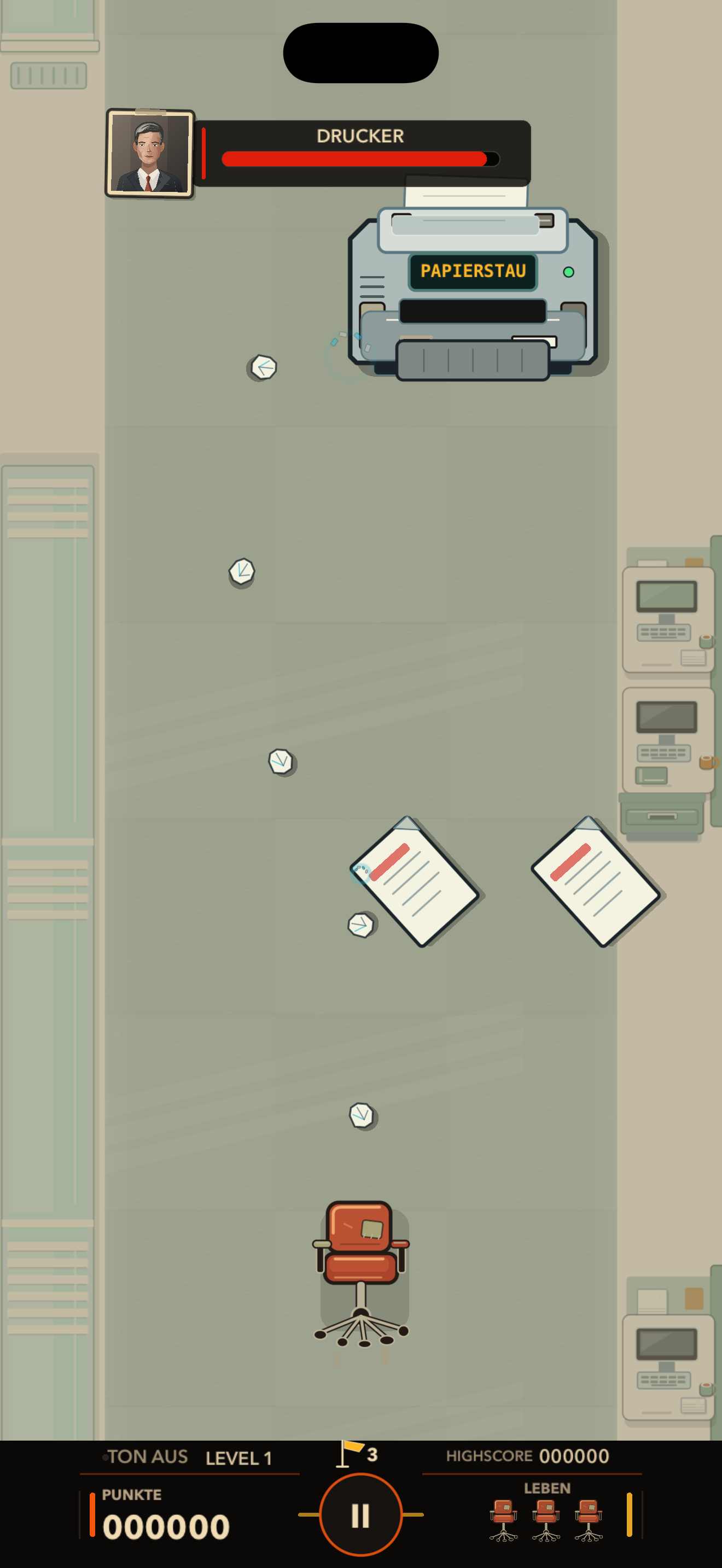
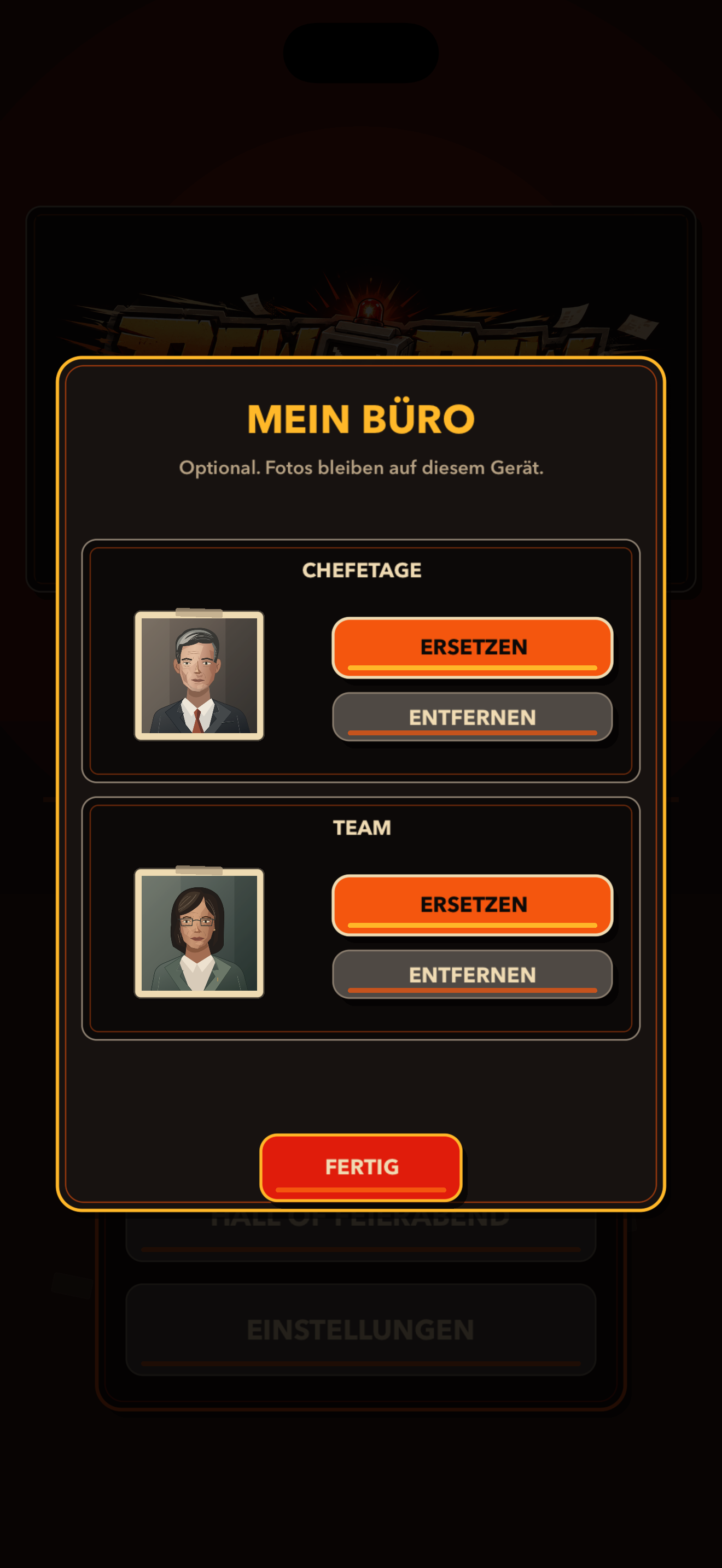
Add your own pictures to the office. In “My Office”, choose one picture for Management and another for Team. One appears beside boss health bars, the other on selected enemies and office objects.
Your picture beside the health bars of printers, projectors and other bosses. It won’t improve their manners.

Your second picture appears on selected coffee cups, sticky notes, keyboards and office furniture.

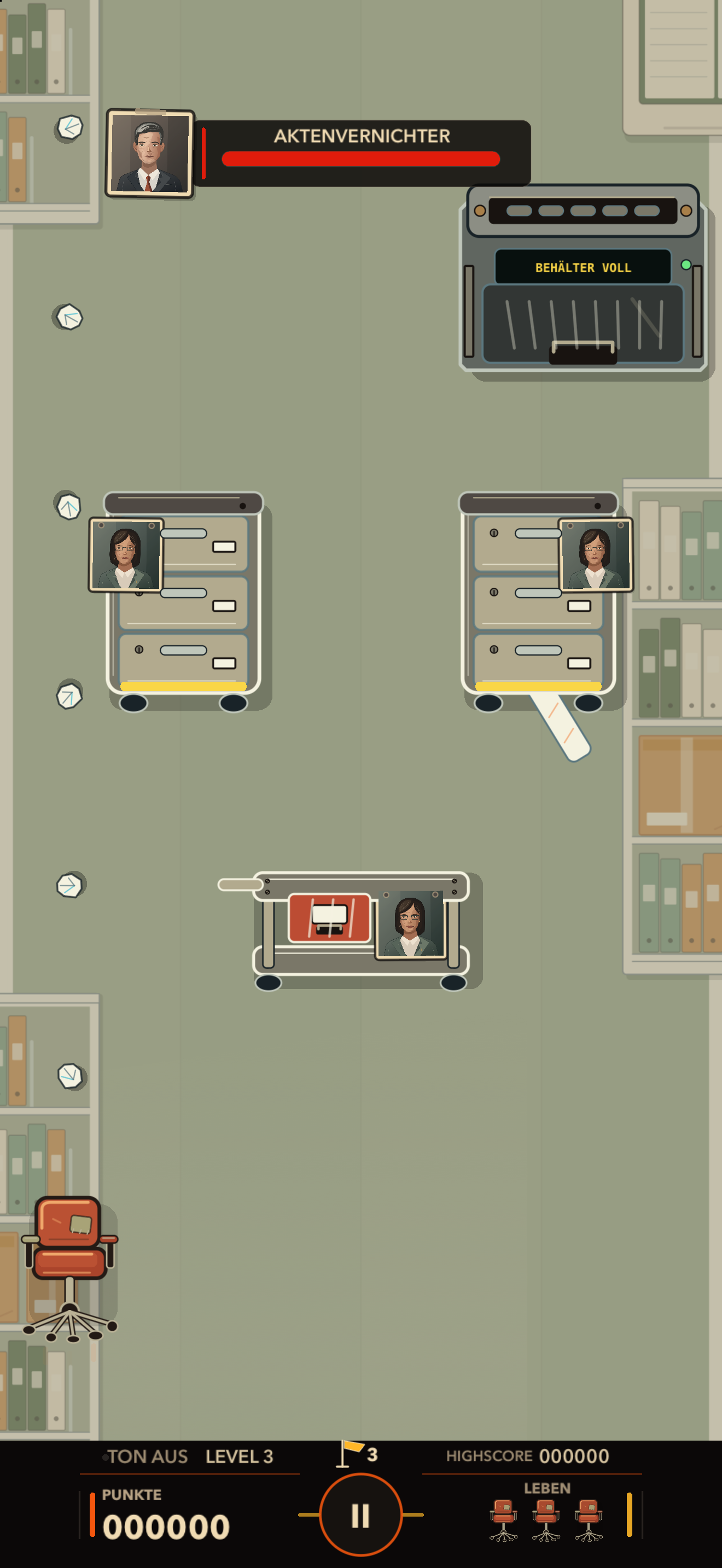
This feature is optional. Your pictures are stored on your device. You can replace or remove them at any time.
04 / Different department, different trouble
Roll through bright offices, the mailroom and the network room. Light falls through the blinds onto desks, mail slots cover the walls and cables run between equipment cabinets.
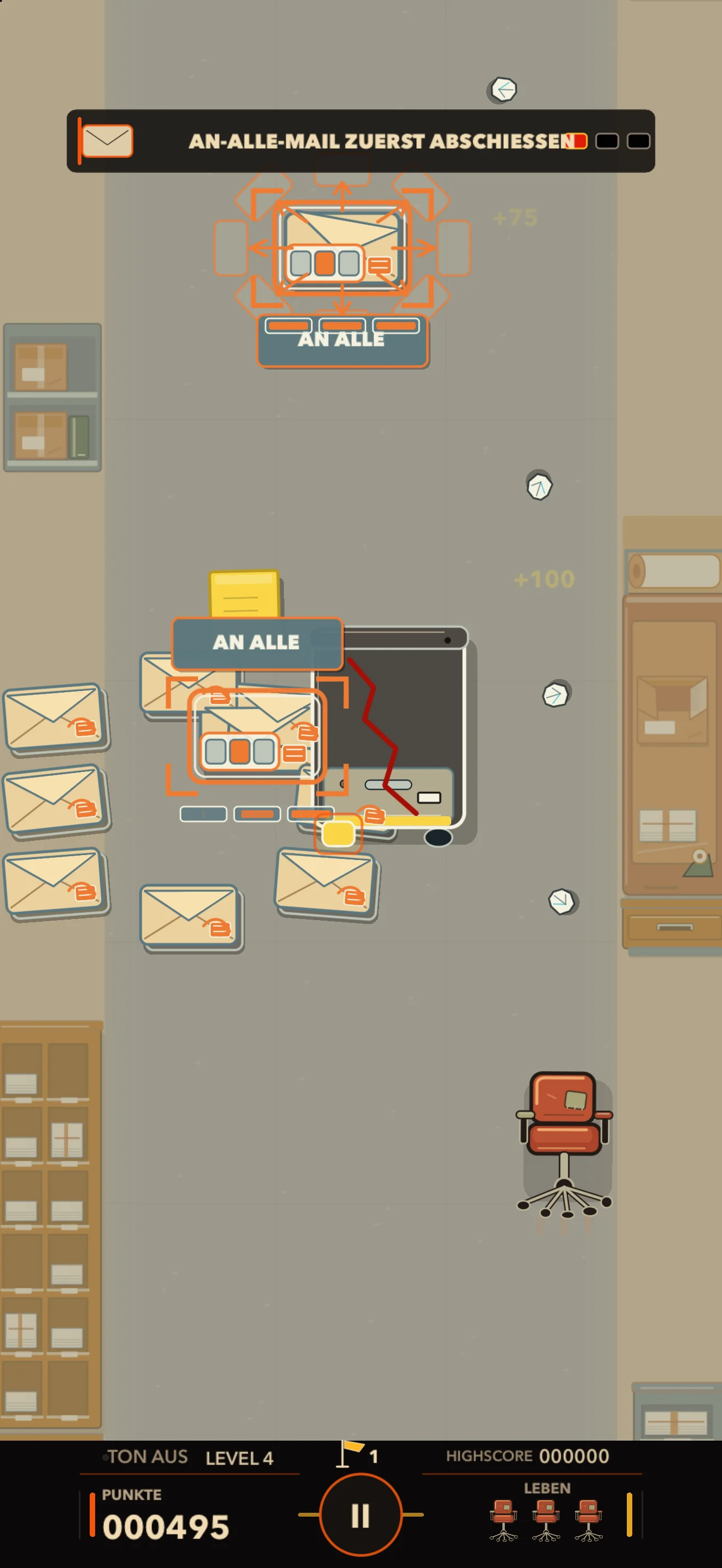
Fight the Reply-All email and its replies among mail slots, a packing bench and boxes.
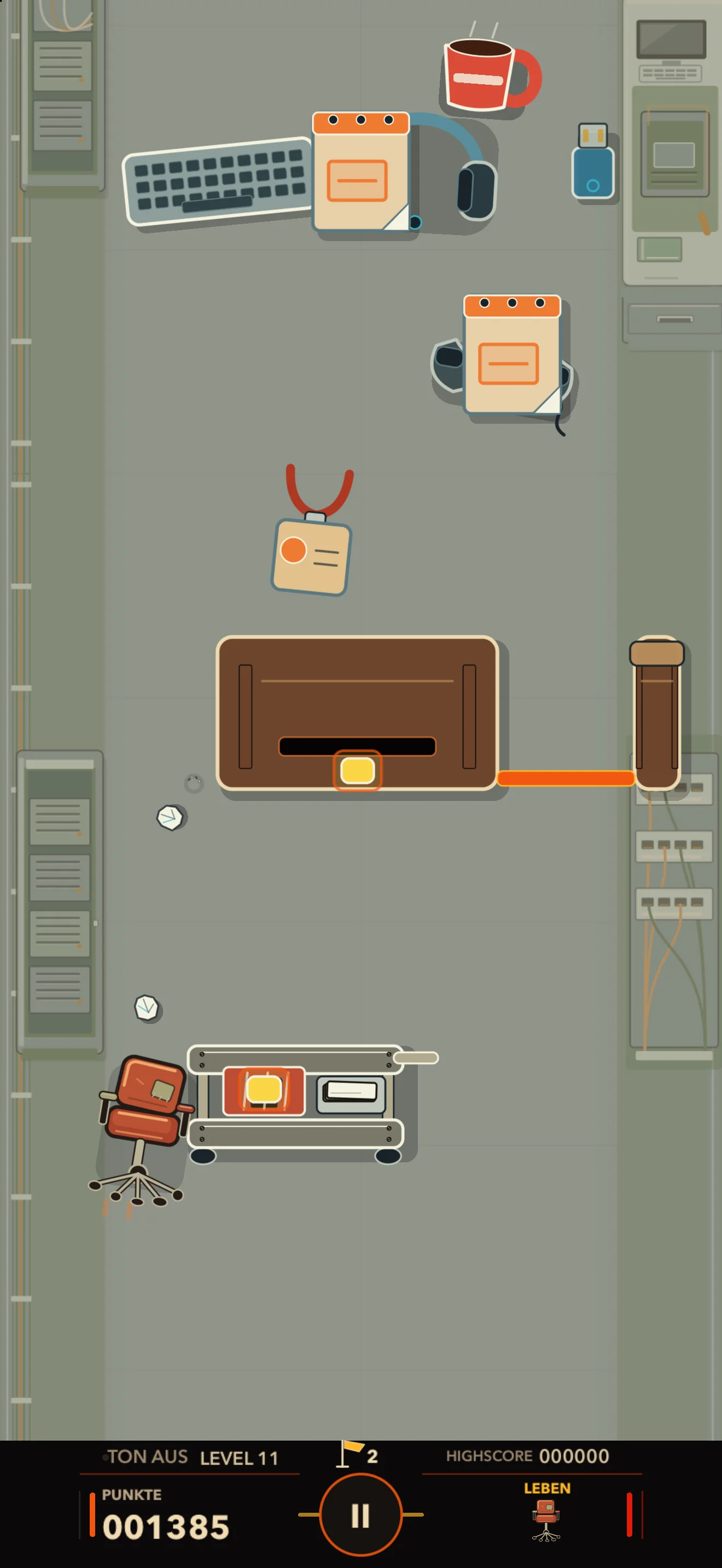
Dodge enemies among equipment cabinets and maintenance workstations. Patch cables connect the devices around you.
Your working day starts here. Dodge the first pens and staplers among desks and window blinds.
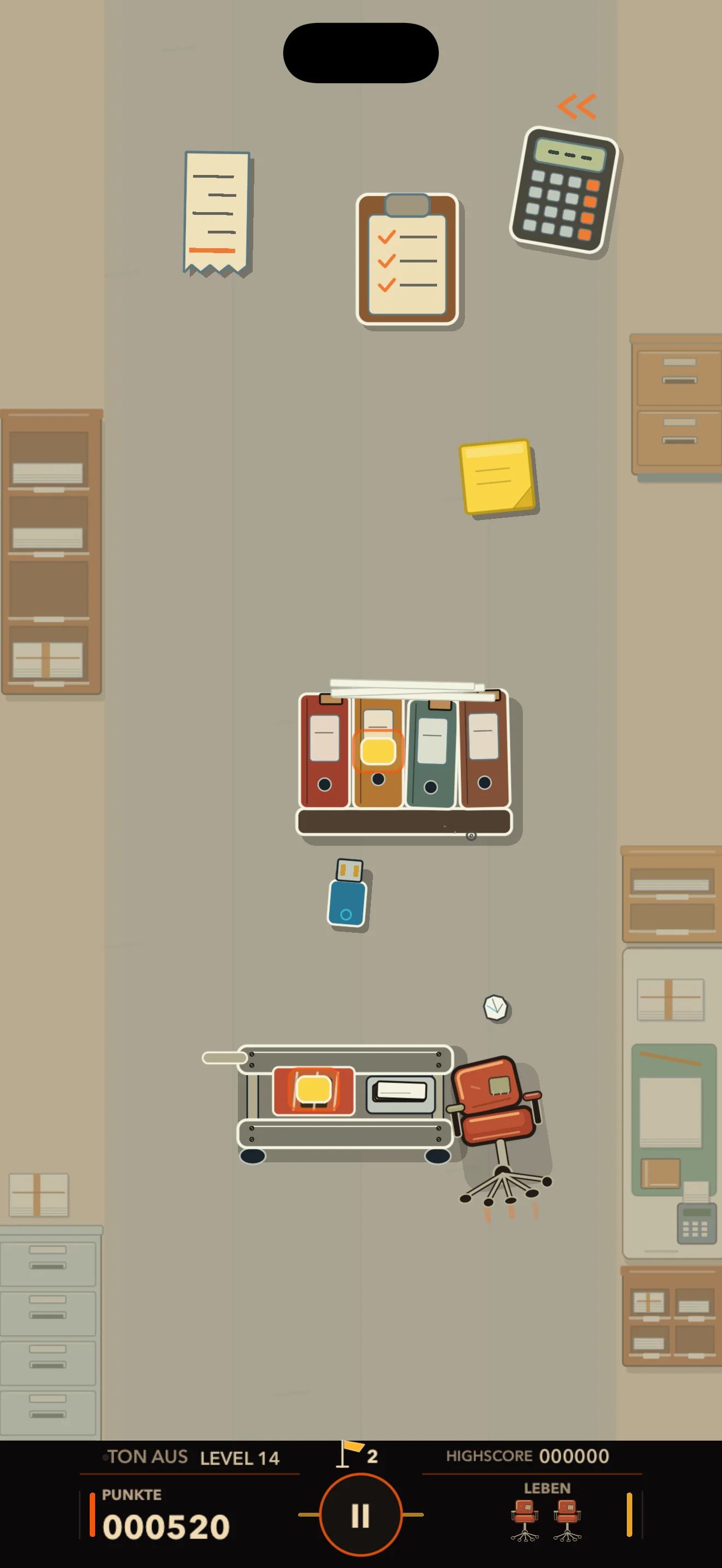
You face calculators and ring binders in the receipt checking room. Sorting trays and drawers fill the space.
05 / Not in the job description
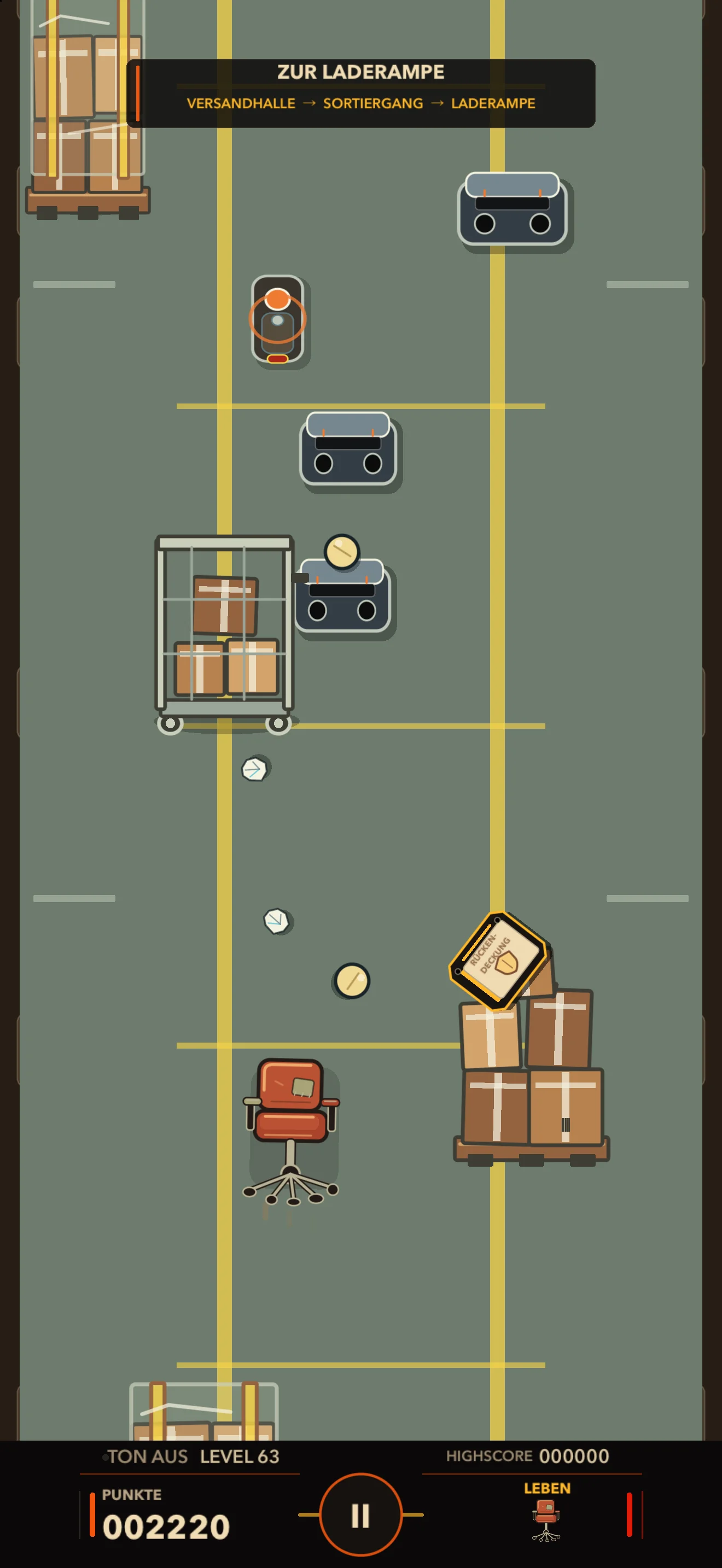
The further you get, the more the office gets involved: mail carts become moving cover, partitions block your path and network equipment shoots back. Then the sprinklers go off.
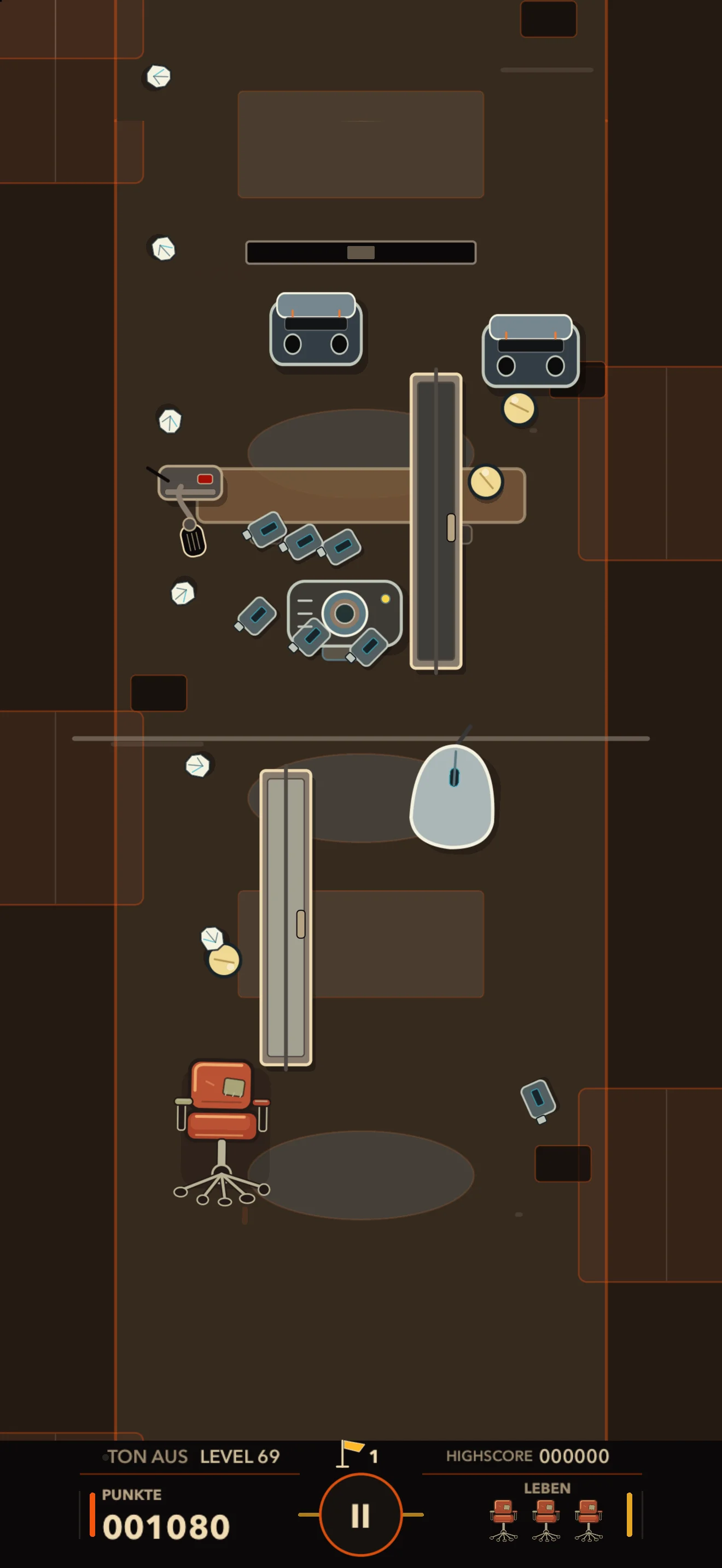
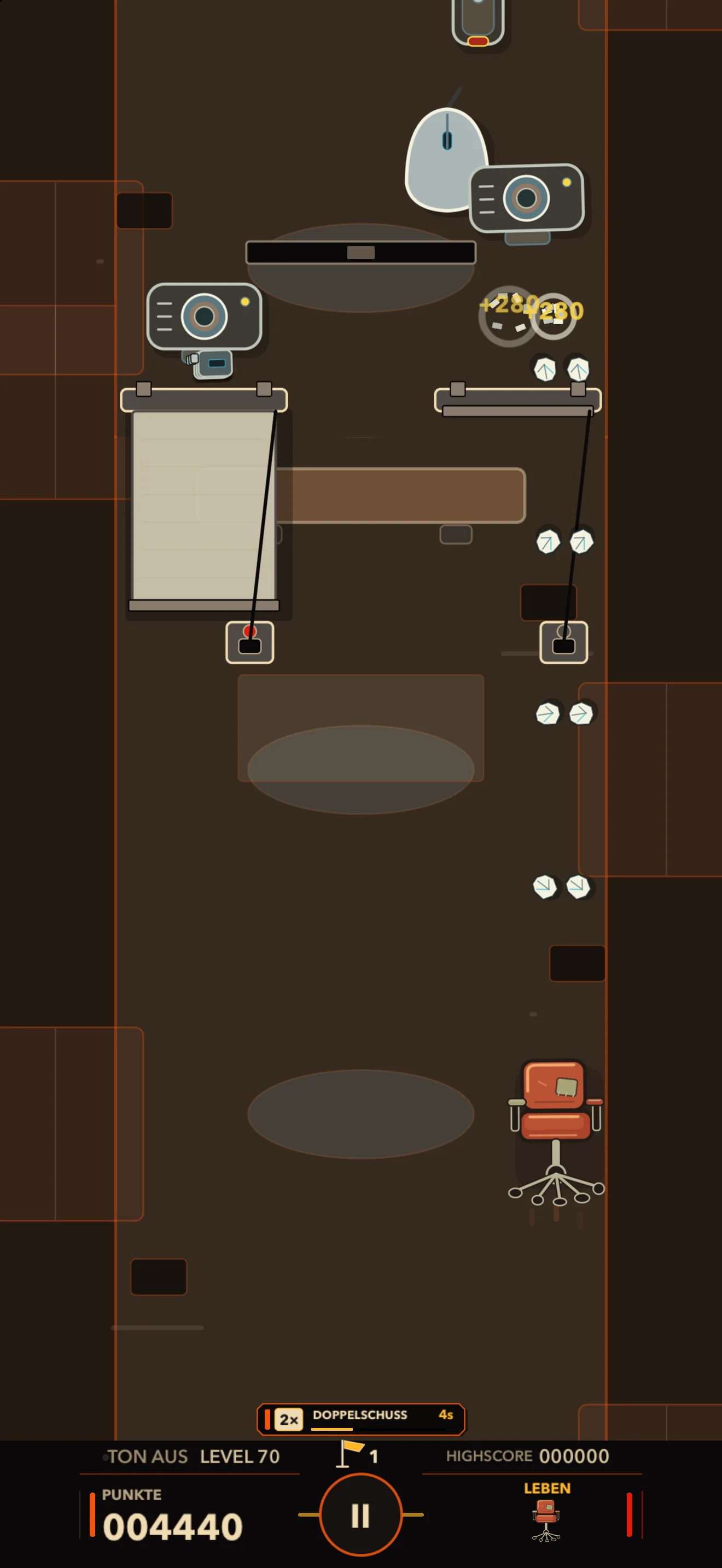
Microphones fire at you, partitions change the routes and projection screens block your shots. Move to a new position, find clear lines of fire and dodge attacks.
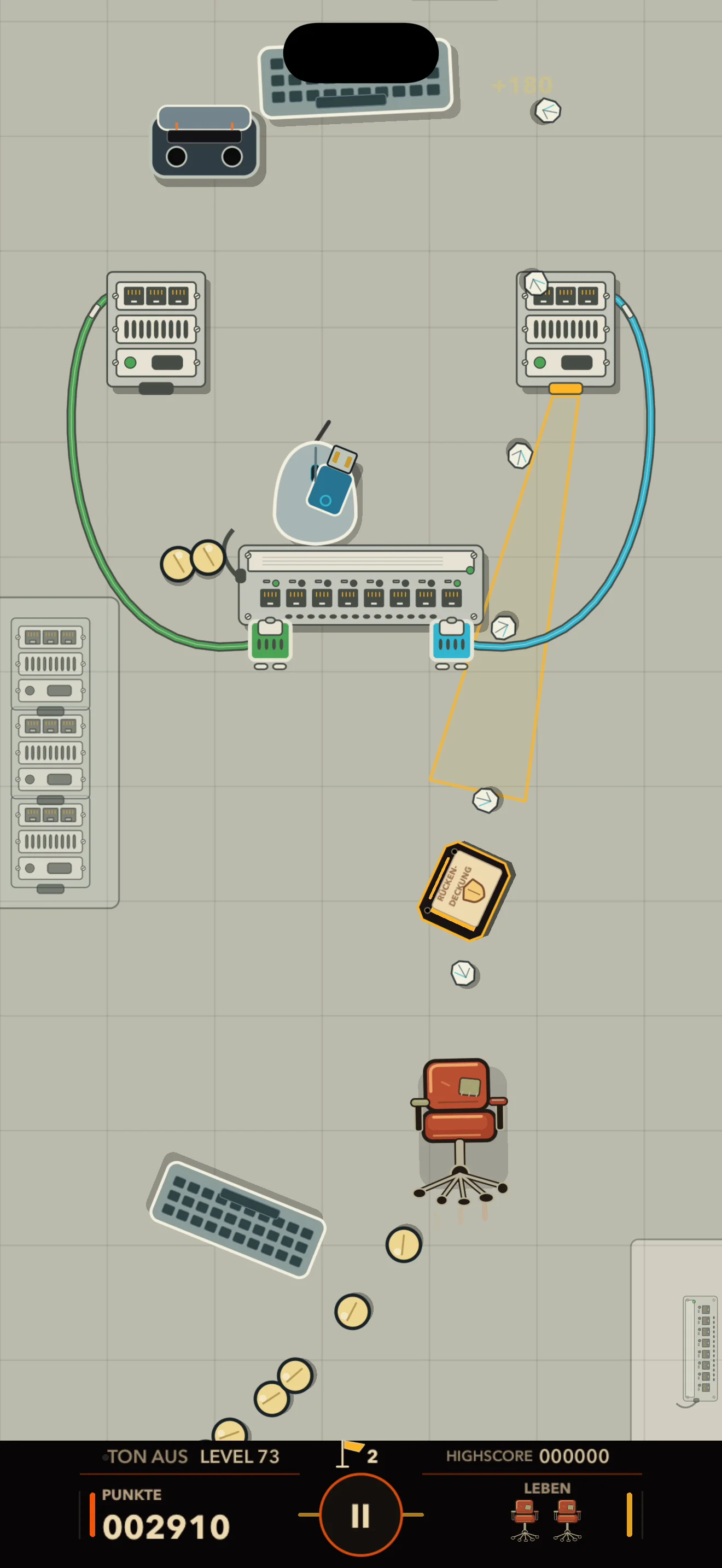
In these levels, you fight among network equipment, cooling systems and backup power. The network equipment shoots back. Watch the connections between devices and where attacks are coming from.
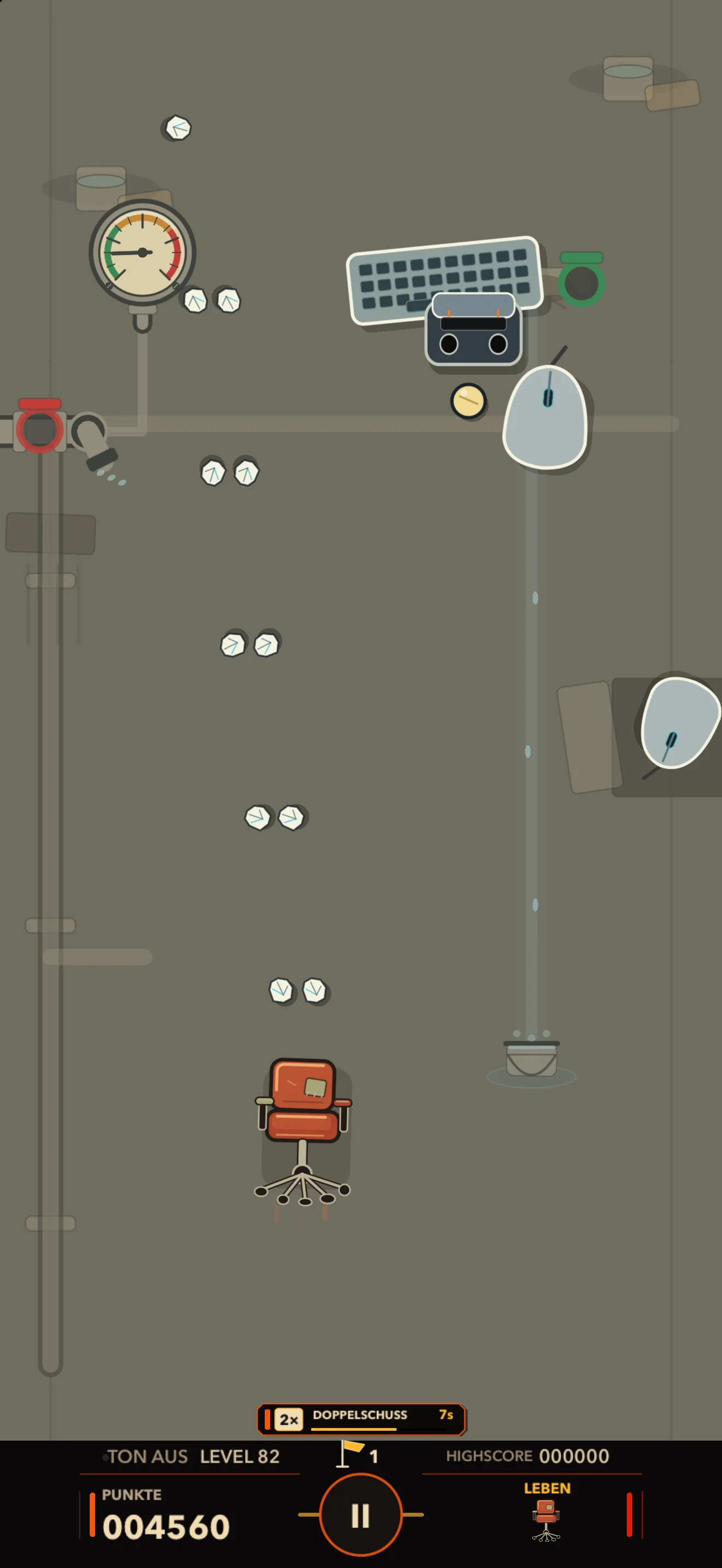
Leaks and sprinklers turn parts of the office into danger zones. Dodge the water attacks and find a clear path through the room.
06 / Professional development
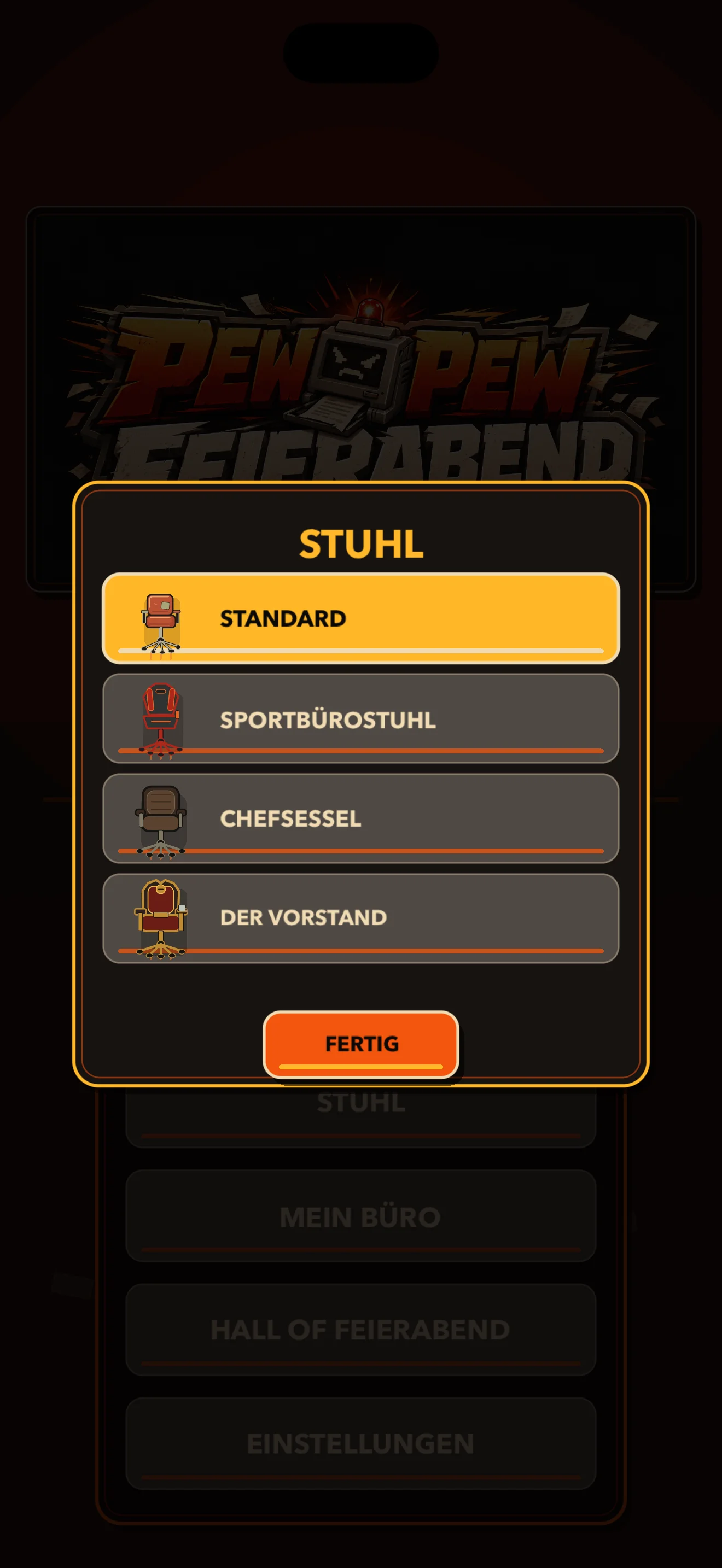
Your campaign progress stays saved on your device. Improve your local high scores and unlock more chairs by completing new levels in a row in RETRO.
After a failed attempt, continue from the last marked checkpoint. You do not have to start the level all over again.
After a failed attempt, restart from the beginning of the level. Complete new levels in a row in RETRO to unlock more chairs.
07 / Business as usual
Express mail, receipt checks and shared screens: three more stops on your working day. Select an image to open the full capture.
Clocking out is negotiable
Pew Pew Clocked Out is in beta for iOS and iPadOS, with personal TestFlight invitations. Apply through the OZverse tester programme and take on the working day.
Yes. The current campaign contains 84 playable levels: 30 in week one, 30 in week two and 24 in week three. The third week is not yet complete.
Campaign progress, checkpoints, scores, unlocks and settings stay locally on your device. No account is required.
Yes. In “My Office”, choose one picture for Management and one for Team. The Management picture appears beside boss health bars; the Team picture appears on selected enemies and office objects. The pictures are stored locally and you can replace or remove them at any time.
The beta is available by personal invitation. A public release date has not been announced.